Start here
Getting started
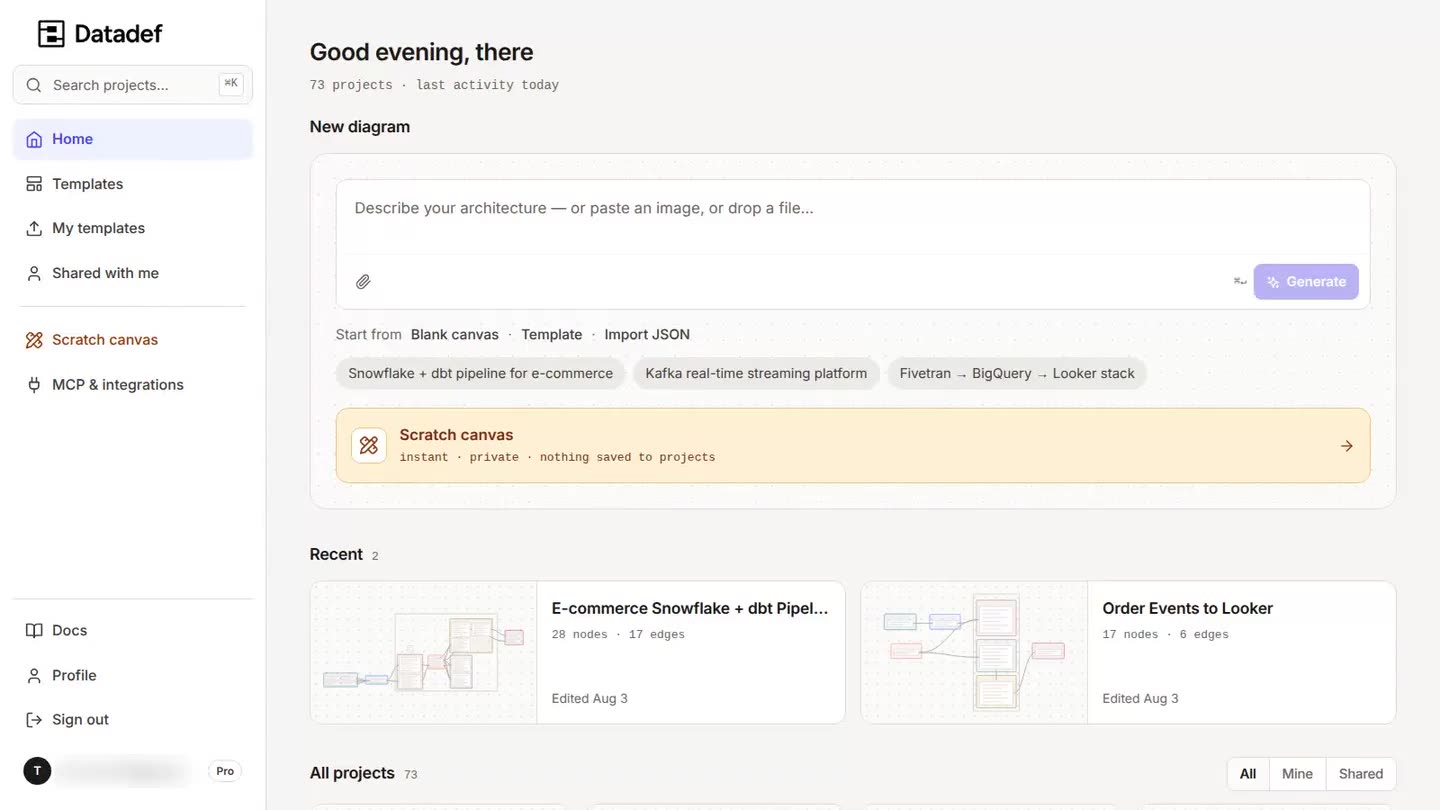
Architecture diagrams usually cost an afternoon in a drawing tool and go stale within a month. Datadef is an AI diagram tool for data and cloud architecture: describe the system, paste its infrastructure code, or connect its repository, and it draws an editable diagram with typed nodes, real flow edges, nested zones, and column-level detail. This page covers the two ways to use it: without an account, and with one.
How it works
- 1Open the scratch canvas with no account, or sign up and get the full product, with 1 credit to generate with.
- 2Describe your system in the prompt bar, naming the real technologies, layers, and tables, or paste infrastructure code, or attach a file.
- 3Datadef draws the diagram. Refine it on the canvas by hand or by asking the AI panel for changes.
- 4Share it with your team, embed it in a README, or keep it syncing from your repository.
Try it without an account
The scratch canvas is the full editor with no signup:
- 1 AI generation a day. The limit is enforced server-side and resets daily.
- Your diagram is saved in your browser's local storage, not on Datadef's servers. Clearing browser data clears the diagram.
- No sharing, no cloud projects, no version history. Those need an account, because they need the diagram to live server-side.
Scratch work is not lost when you sign up: the dashboard offers to turn your scratch diagram into a cloud project as soon as you have an account.
What an account gives you
Signing up is free and there is nothing to subscribe to. Three things worth knowing about it:
- Every feature is included, permanently. Cloud projects and version history, sharing and public links, embeds, PNG and JPEG export, folders, repository connections, and MCP access. None of them is behind a purchase.
- The account comes with 1 credit. Credits pay for AI generation and nothing else. The starting grant is once per email address, ever; plus-aliases and Gmail dot variants count as the same address.
- No card, nothing to cancel. Credits are bought when you want more, once, and they never expire.
When the credits run out
Nothing is deleted, nothing is hidden, and nothing turns read-only. Every project stays open and editable by hand, exports keep working, and public links and embeds keep serving. The one thing that pauses is new AI generation, until you add credits on the credits page.
What each action costs, and what a failed generation refunds, are on Credits and billing.
Your first diagram
The short version
Open the dashboard, type what your system is into the prompt bar, and be specific: name the technologies, the layers, the tables that matter. A vague prompt gets a generic diagram; a named stack gets your stack.
From there: refine it on the canvas, invite people from the Share dialog, or put it in a README with an embed. You can also skip prompting entirely and generate straight from a repository; see Repositories. Or start from a working example in the template gallery.